
How to Share a Word Document as a Web Page
Formats, Reports
Share a Word document as a web page anyone you choose can open in a browser: what carries over, what stays behind, and how to keep the .docx itself private.
Guides, product updates, and stories from teams sharing private, authenticated sites with SnapHost.
Share a Word document as a web page anyone you choose can open in a browser: what carries over, what stays behind, and how to keep the .docx itself private.
Setting up a custom domain for a private page: what to point where, what stays the same behind your own address, and what quietly takes the domain down again.
How to collect form responses without a backend: the published page saves the entries itself, who is allowed to read them, and the limits worth knowing first.
How to share a Streamlit app privately: publish what the app shows as one page only the people you name can open, and what you give up without the server.
How to share board updates without a data room: publish the pack as one private page, name who can open it, and put next month's numbers at the same address.
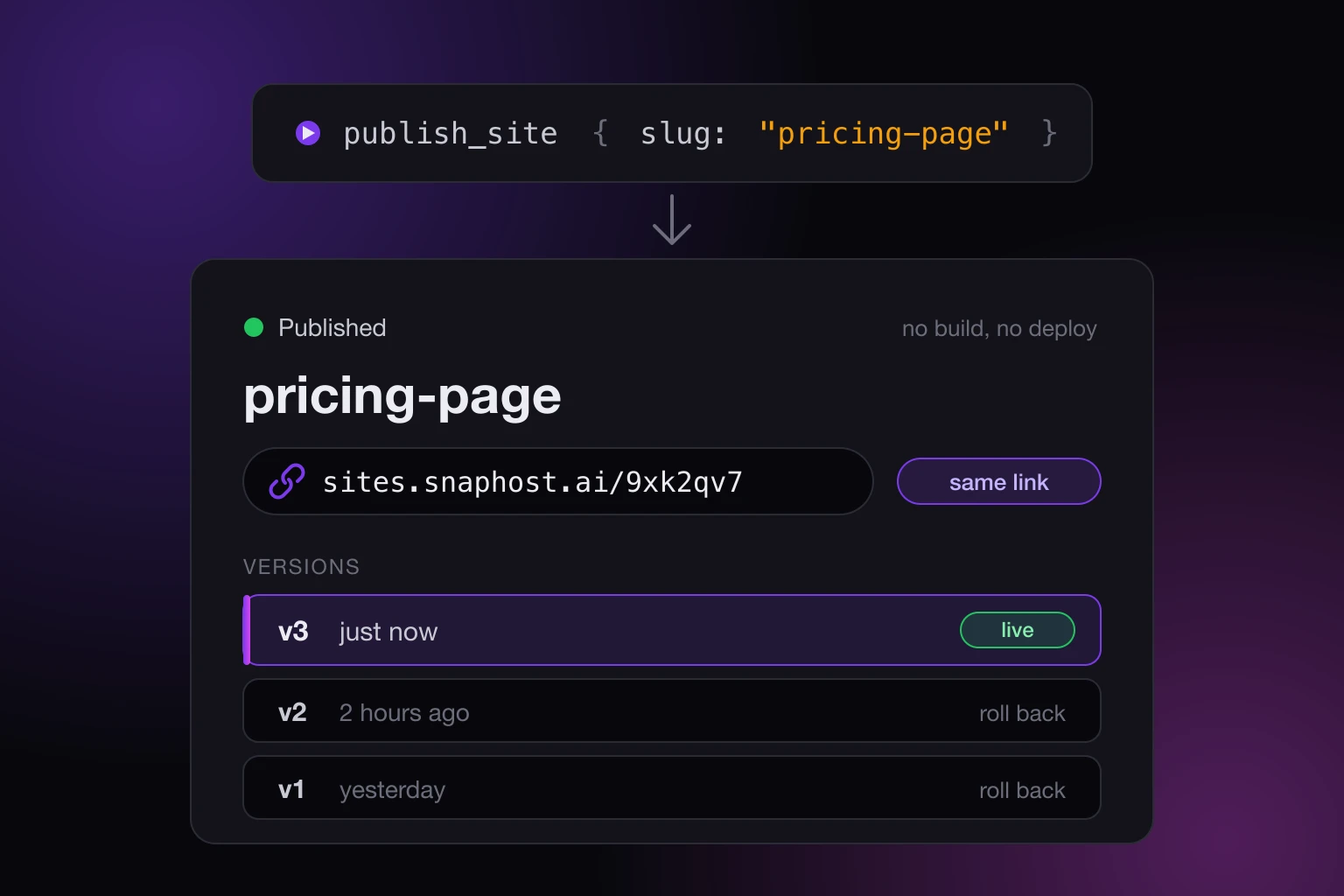
How to publish from Cursor without a deploy step: connect the SnapHost MCP server once, ask Cursor to publish, and get a share link that stays put on updates.
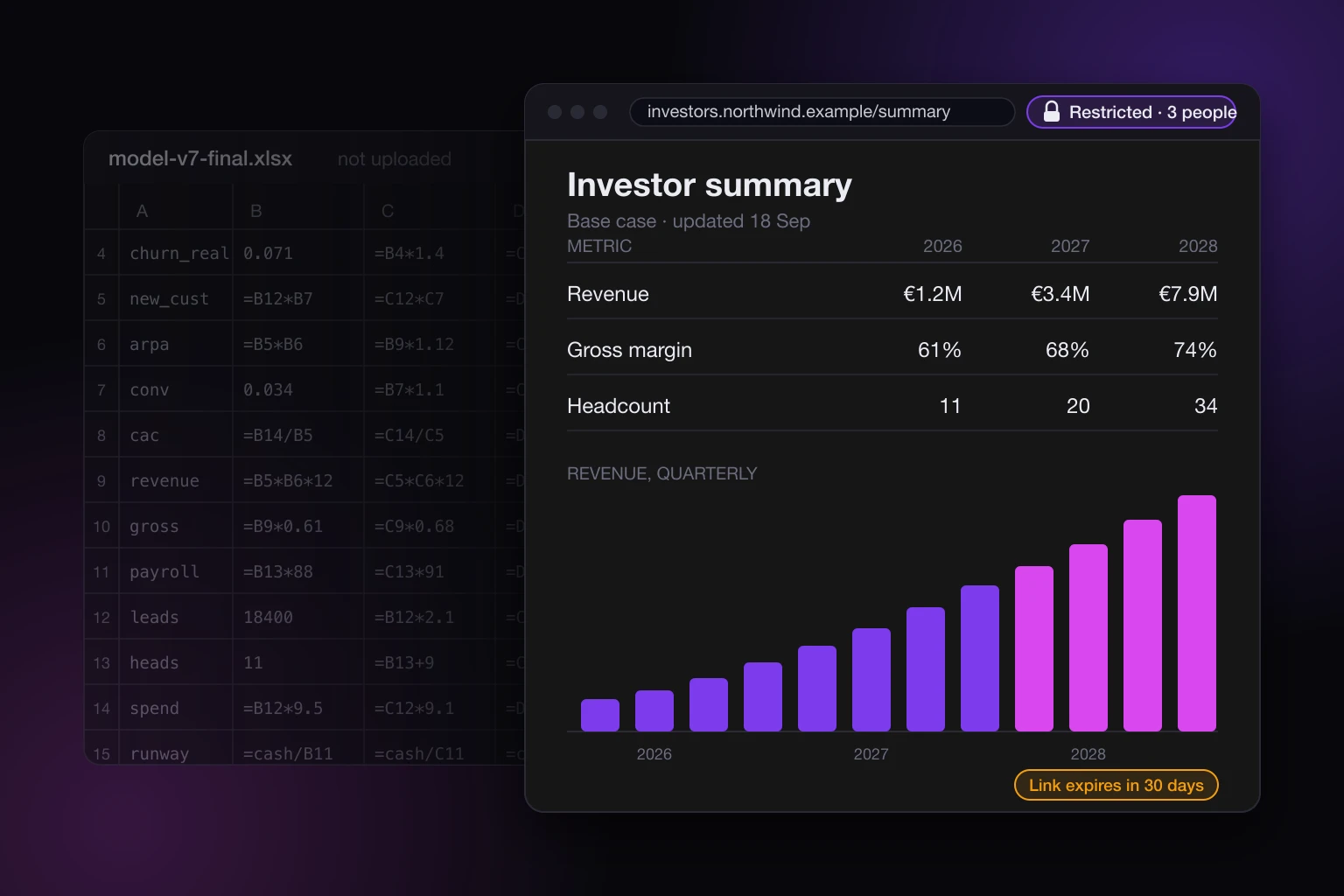
Share a financial model without sending the spreadsheet: your AI builds a page from the outputs, you publish it privately with a deadline. The workbook stays.
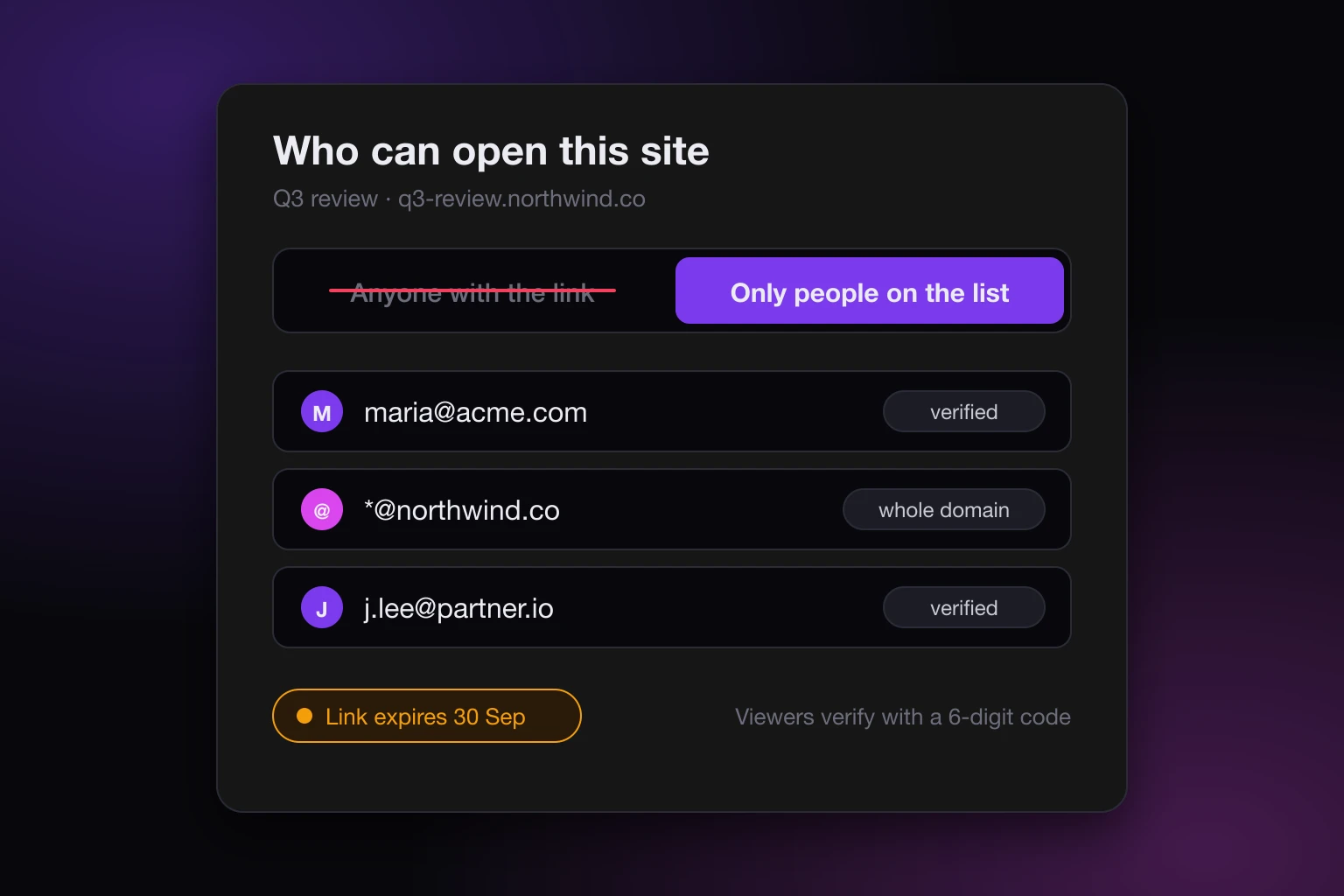
A Google Drive link is not access control: anyone with the link is a bearer key. What each Drive setting does, and how to share an AI-built page privately.
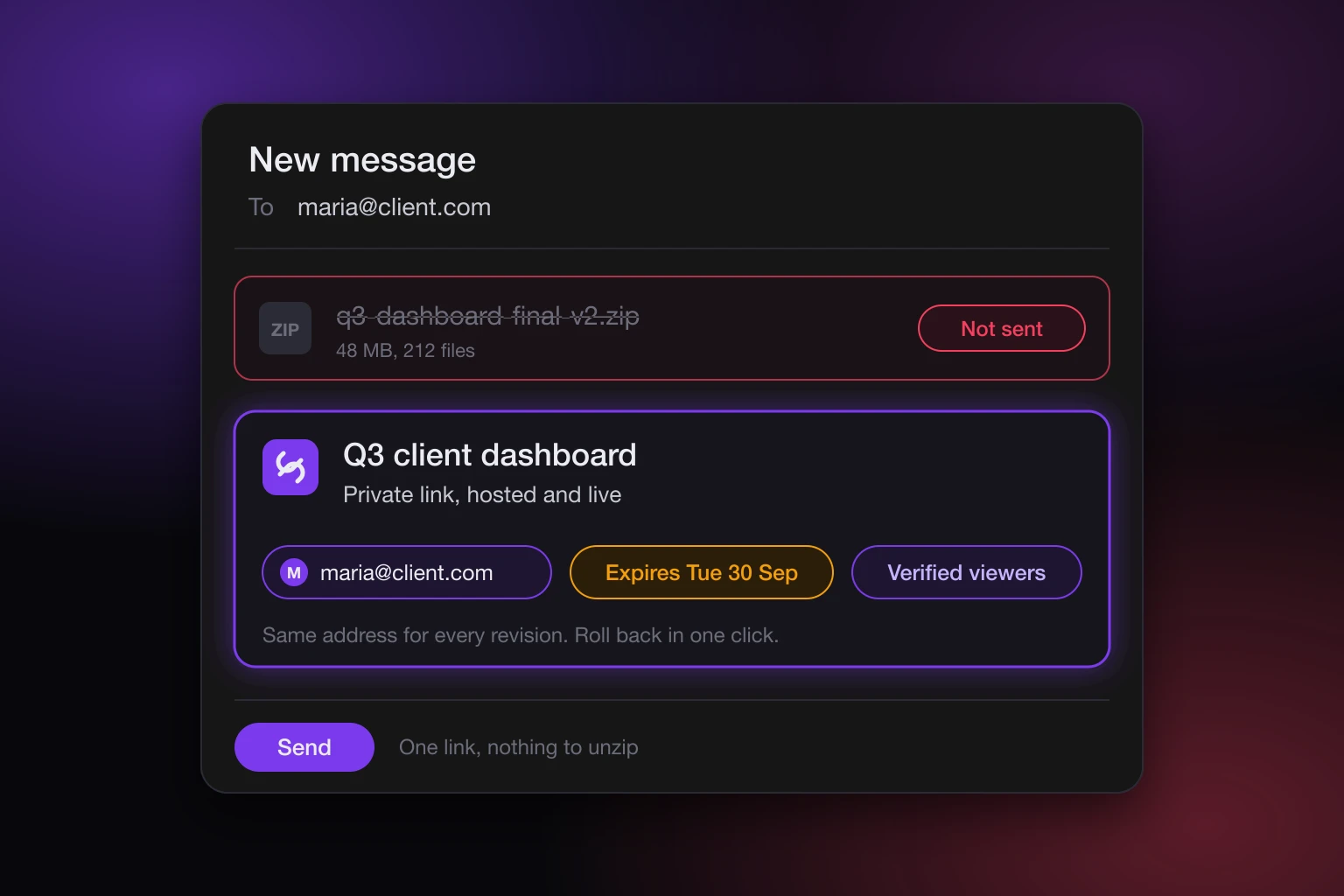
What to send a client instead of a zip file: a private, hosted link to the page your AI built, with verified viewers, a deadline, and one URL that stays put.
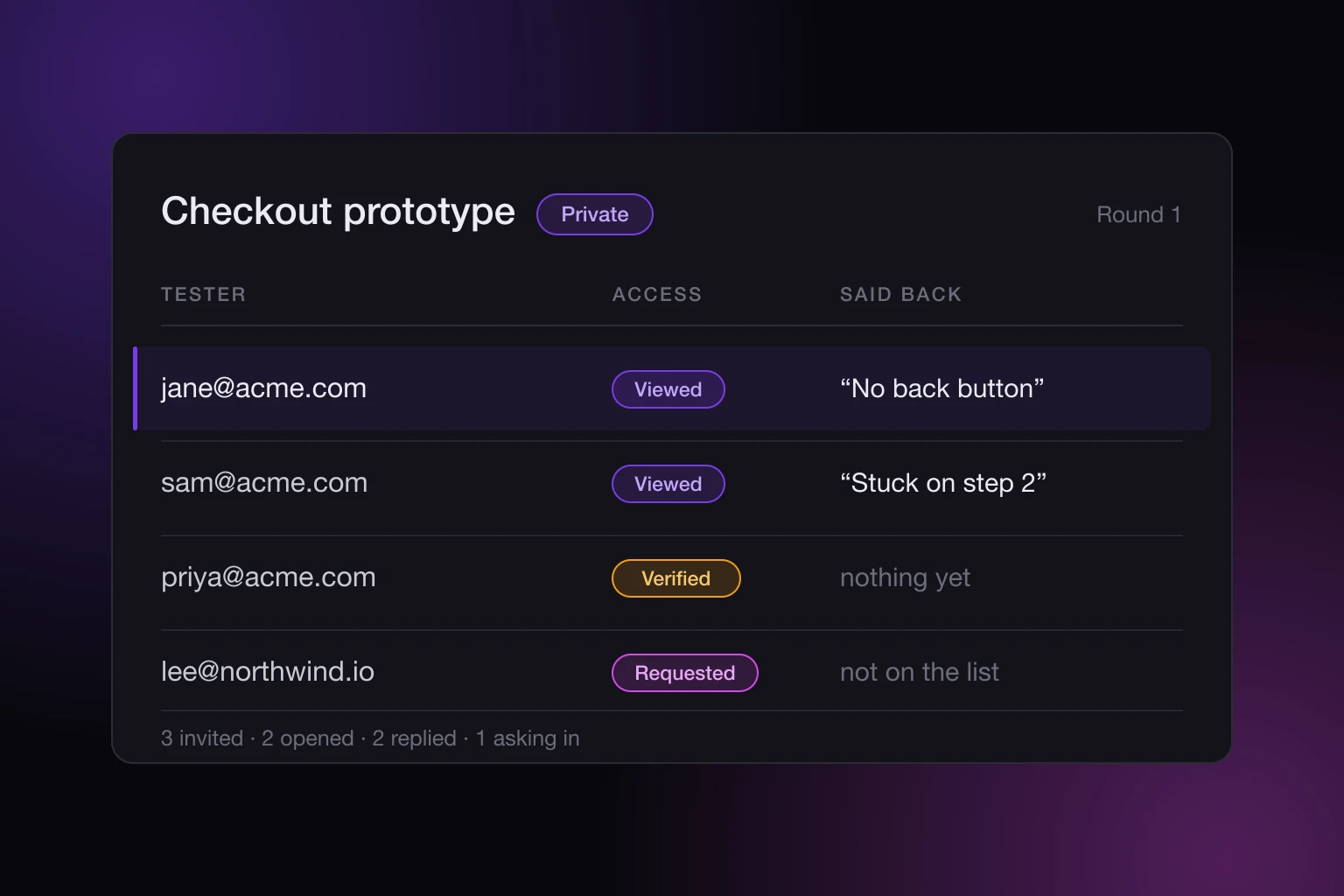
How to share an AI prototype for user testing: choose who gets in, see who actually opened it, and collect what testers do on the page with no backend.
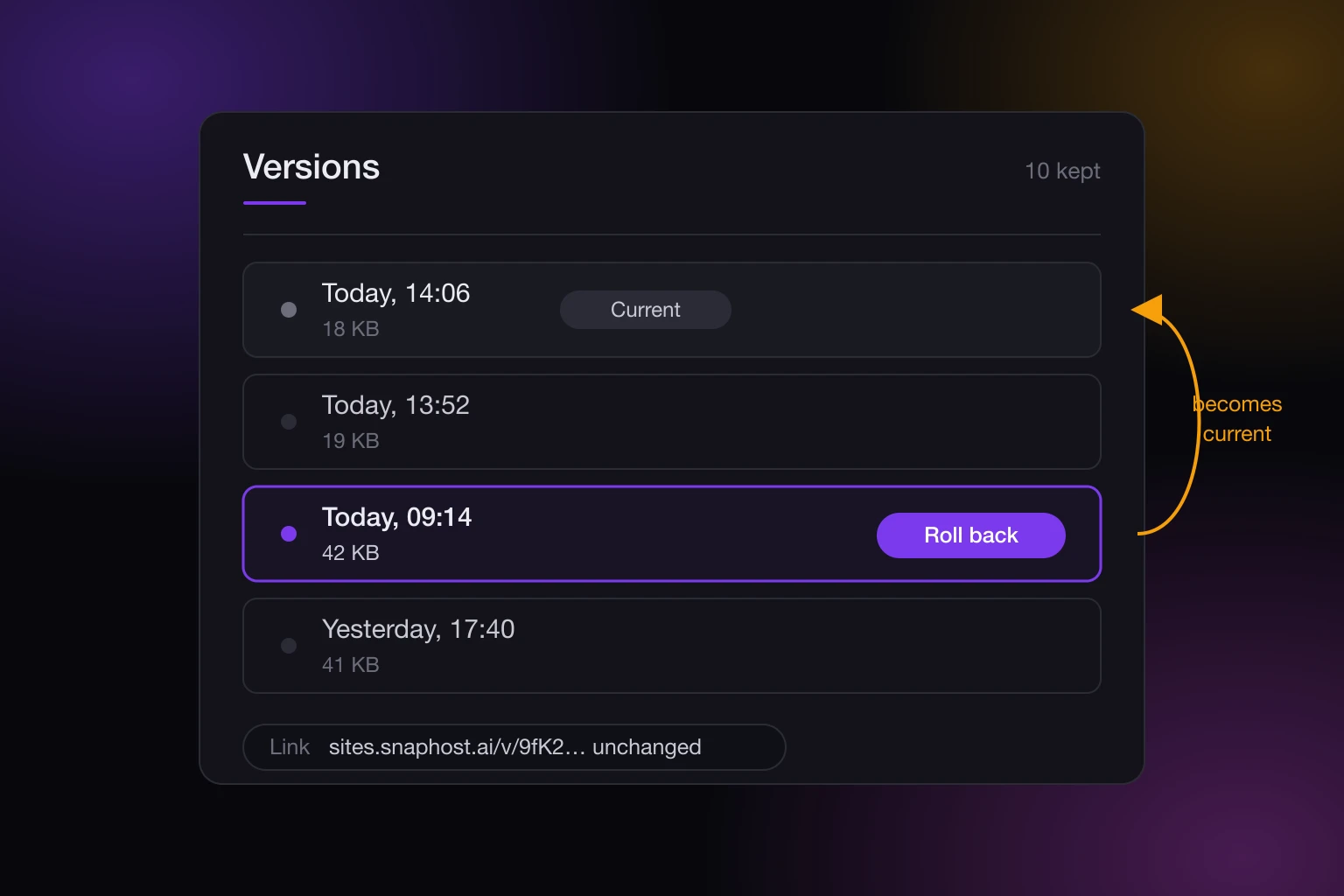
Your AI rewrote a page that was working. How to roll back a published web page to an earlier version, keep the same link, and what a rollback leaves alone.
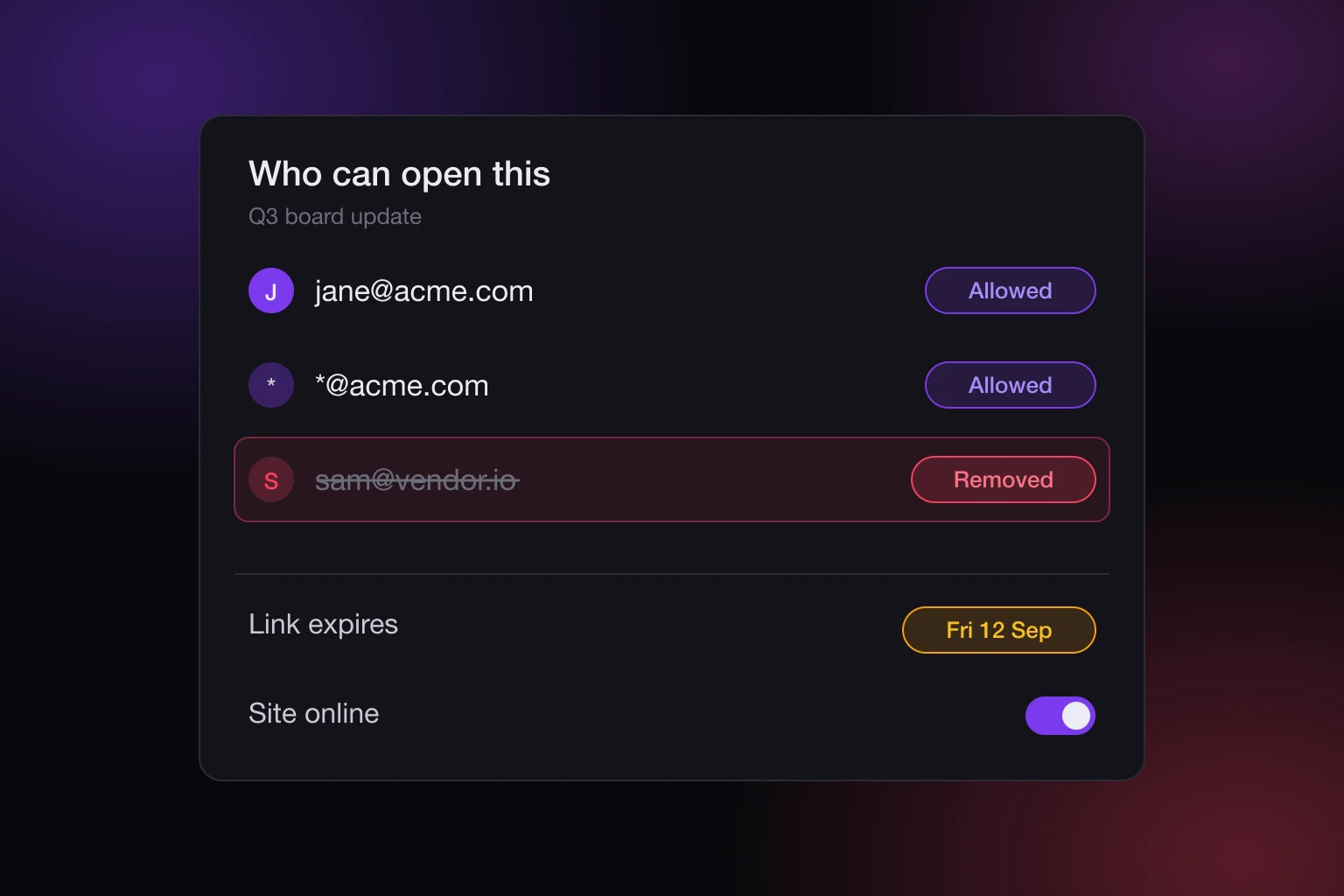
Three ways to revoke access to a shared link: remove one viewer, expire the link, or take the site offline. What each does, and where a password undoes it.
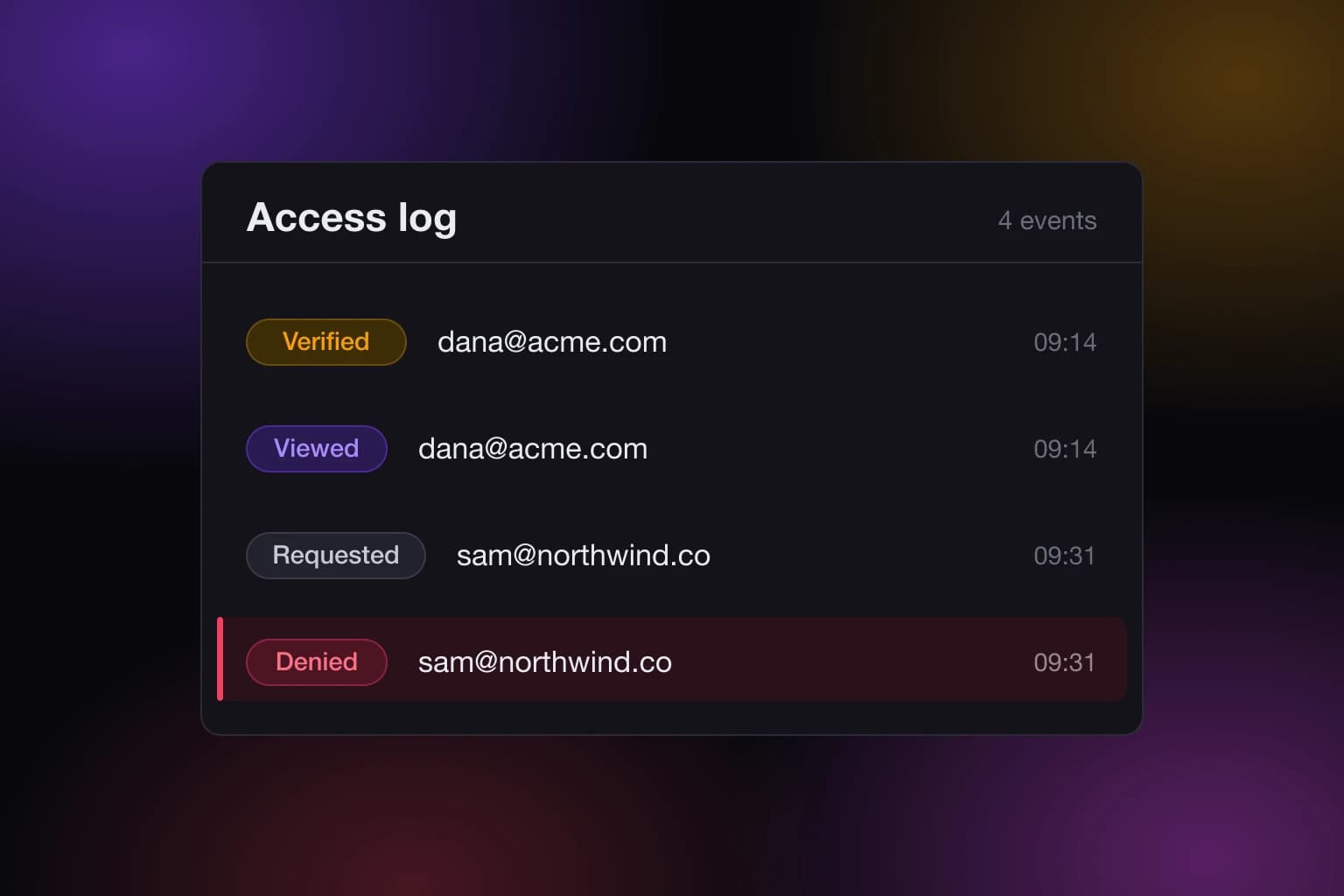
The access log for a shared page records requests, verifications, views, and denials. Here is how to read those four events and what they cannot tell you.

Learn how to publish HTML pages with access control, give approved viewers a polished live site, and revoke access without chasing files or passwords.

Learn how to host internal web tools with identity-based access, reliable updates, and safeguards that keep sensitive work private and usable for teams.

Choose a private content hosting platform that turns AI output into controlled live pages, with identity-based access, updates, and real privacy daily.

Website allowlists vs passwords: see why identity-based access gives sensitive AI-built reports, dashboards, and tools better control for modern teams.

Learn how to share slide decks securely with identity-based access, live updates, viewer controls, and a better alternative to public links and passwords.

Secure AI content publishing protects AI-built reports, dashboards, and apps with identity-based access, live updates, and control - not public links.

Compare the best platforms for client deliverables, from live reports to secure portals, and choose the right level of access, control, and polish now.

Why are public links risky? They expose AI-generated reports, dashboards, and apps to forwarding, indexing, stale access, and lost control at large scale.

A ChatGPT website publishing tool turns AI output into controlled live pages. See what secure publishing needs before you share client-ready work safely.

Learn how to automate report publishing workflow with secure live pages, controlled access, scheduled updates, and a clean review process for every reader.

Learn how to host a private dashboard online with identity-based access, live updates, and controls that keep sensitive data from any unwanted public exposure.

Share a PDF as a secure web page with verified access, revocable permissions, version control, and a polished live experience for every viewer you approve.

Private Jupyter notebook sharing keeps analysis, data, and interactive results in the right hands without fragile passwords, public URLs, or stale files.

Learn how to publish markdown as private website pages with real access control, safer sharing, live updates, and fewer risky workarounds.

Allowlist access for web pages gives you private, identity-based sharing with real control - far safer than public links or shared passwords.

Email verified viewer access gives AI-generated reports, dashboards, and pages private sharing without passwords, public links, or access sprawl.

Secure live site sharing gives teams a safer way to publish AI-built pages, reports, dashboards, and apps without public links or shared passwords.

Learn what a private webpage for clients should include, where common sharing methods fail, and how to keep access controlled and updates simple.

Authenticated website hosting keeps reports, dashboards, and AI-generated pages private with identity-based access, revocation, and control.

Looking for a password protected page alternative? Learn why identity-based access gives you tighter control, cleaner sharing, and fewer leaks.

Learn how to share a report privately without public links, shared passwords, or messy files. Keep access controlled, revocable, and easy.

Learn how to share a dashboard privately with real access control, safer delivery, and fewer workarounds than public links or shared passwords.

Learn how to share AI output securely without public links, weak passwords, or messy files. Control access, updates, and visibility.