
Website Allowlists vs Passwords: Which Wins?
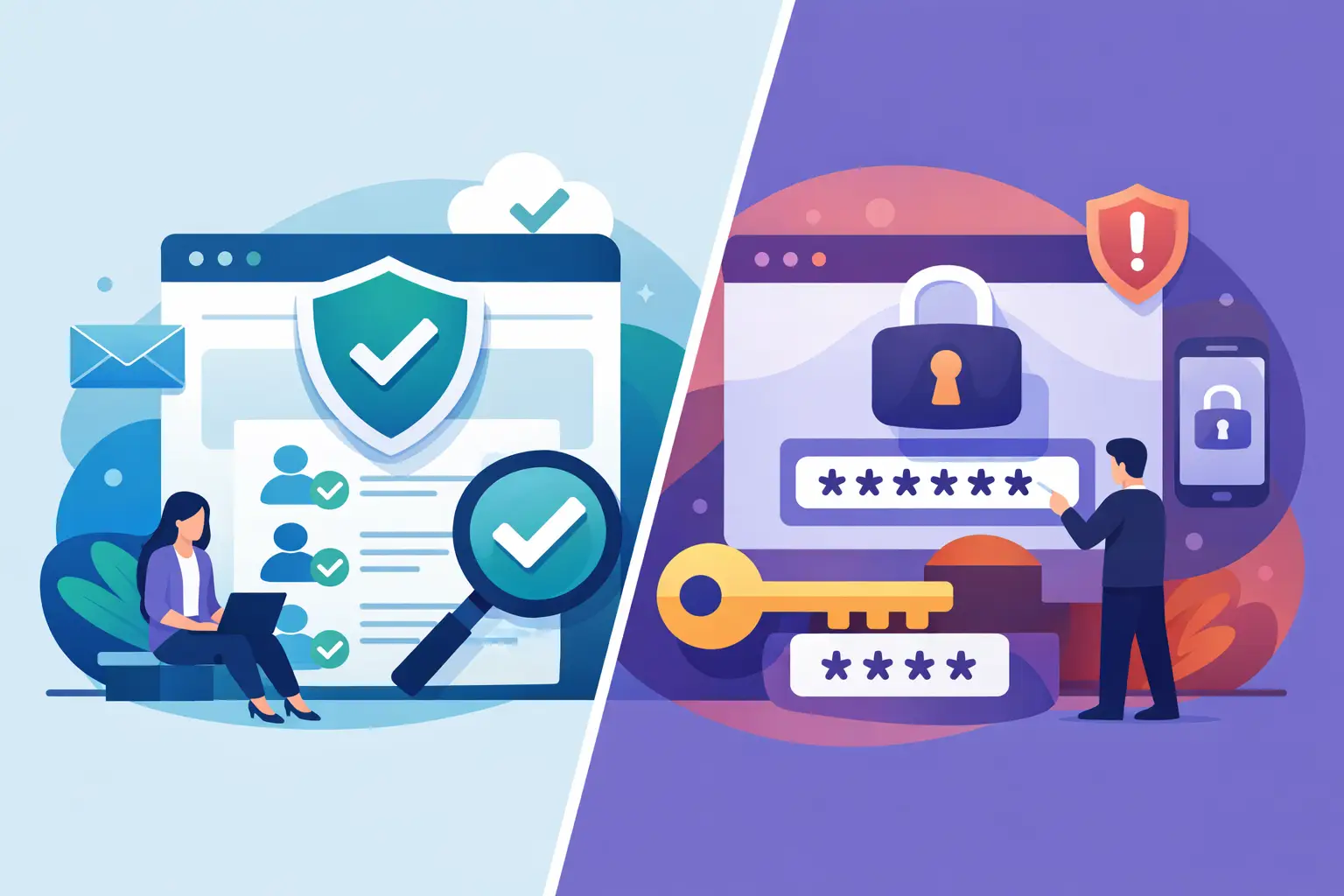
A client opens a dashboard you built with AI. It looks polished, loads as a live page, and contains pricing assumptions, customer data, or an internal forecast. The question is not whether they can view it. The question is whether you can prove who viewed it, stop access when the project changes, and prevent the link from becoming a loose end.
That is where website allowlists vs passwords stops being a minor publishing choice. Both methods can put a gate in front of a page. Only one ties access to a real person.
Website Allowlists vs Passwords: The Core Difference
A password protects a secret. An allowlist protects access by identity.
With a password-protected website, anyone who has the URL and password can enter. That may be acceptable for a low-risk draft, a temporary event page, or content where the main goal is keeping search engines and casual visitors out. But the password is not attached to a specific viewer. It can be copied into a chat, pasted into an email, saved in a browser, or forwarded with the link in seconds.
A website allowlist works differently. You specify the email addresses or approved identities that may access a page. Each viewer verifies their identity before opening it. If a contractor rolls off, a client engagement ends, or a report needs to be restricted, remove that identity. The page stays live for approved people and closed to everyone else.
That difference matters most when the website is not really a website in the marketing sense. It is a live deliverable: an executive report, Jupyter notebook, revenue dashboard, client portal, product prototype, or AI-generated analysis that needs a clean presentation without public exposure.
Passwords Feel Fast Until They Start Moving
Passwords win on one narrow point: setup is familiar. Set a password, send it to the intended viewer, and the page is available. For a one-time share with no sensitive data, that can be enough.
The friction arrives after sharing. You need to deliver the password safely, which often means sending it in a separate message. The recipient may forward it accidentally. A team member may reuse the same password across several pages. Someone may leave a company while retaining the password in their password manager. When access needs to change, your practical options are limited: change the password for everyone or take the page down.
Neither option is precise. Changing a shared password creates work for legitimate viewers, especially when a dashboard or report is meant to stay current. Leaving it unchanged means former viewers may still have access. The problem is not that passwords are inherently broken. The problem is that they were designed to authenticate knowledge of a secret, not manage an evolving audience.
AI has made this gap more visible. Teams now produce more shareable artifacts, more quickly. A consultant can generate a client-ready analysis in an afternoon. An operator can publish a weekly performance page on a schedule. A developer can turn an internal tool into a usable web app. More output means more links, more recipients, and more chances for a shared password to drift beyond its original audience.
Allowlists Match How Professional Sharing Actually Works
Most sensitive sharing has a defined audience. The finance lead, the client team, a small product group, or a handful of executives need access. Everyone else does not.
An allowlist reflects that reality. You grant access to named people rather than distributing a credential that can travel independently. This changes the basic control model from “whoever has the password” to “only the people we approved.”
Email verification adds a practical layer of assurance. A viewer does not merely claim to be an intended recipient. They confirm control of the approved inbox. That is especially useful when external clients, advisors, and contractors need access but do not belong to your company’s internal identity system.
For teams, the operational advantage is just as significant. Access can be revoked one viewer at a time without interrupting everyone else. The page can remain at the same URL while its audience changes. You do not need to publish a new file, rotate a shared secret, or explain a new password to every stakeholder.
This is why allowlists work well for live content. A monthly board report can keep updating. A client dashboard can refresh after each data run. An AI-generated project brief can be revised as decisions change. The page stays current, while the people allowed to see it remain under your control.
When Password Protection Is Still Reasonable
There is no need to treat a password as a security failure in every situation. It is a lightweight tool, and lightweight tools have a place.
A password may be reasonable when content is low sensitivity, the audience is very small, and the share window is truly short. Think of an early design preview, a private event landing page, or a non-confidential prototype shown to two colleagues during a meeting. In those cases, the convenience may outweigh the management overhead.
It becomes a poor fit when the content includes customer information, financial data, proprietary strategy, internal operations, personal data, or code and tools that should not spread outside a defined group. It is also a poor fit when the page will be updated regularly or when viewers come and go. Those are access-management problems, not password problems.
A useful test is simple: if you would be concerned about the link and password appearing in a forwarded email, use identity-based access instead.
What an Allowlist Does Not Solve by Itself
An allowlist is stronger than a shared password, but it is not magic. An approved viewer can still take screenshots, export information where export is available, or show the page to someone else. Access control reduces unauthorized entry. It cannot prevent every form of human sharing.
The right approach depends on the content and the stakes. For highly sensitive material, pair allowlists with a clear retention policy, minimal data exposure, and page-level controls that fit the use case. Avoid publishing raw data simply because a live dashboard makes it convenient. Show the necessary result, not every underlying record.
You should also consider what happens beyond the login screen. Private content should be hosted in an environment designed to limit accidental cross-site exposure, and publishing should include version history and rollback. If an AI-generated page contains a bad number, outdated text, or an unintended data field, you need a fast path to correct it or restore a prior version.
Security is not one gate. It is the combination of who gets in, what they can access, how the page is isolated, and how quickly you can respond when something changes.
The Better Workflow for AI-Built Deliverables
The clean workflow is straightforward: generate the output, publish it as a live page, approve the people who need it, and update it without redistributing files or credentials.
That model keeps speed without turning sharing into an uncontrolled handoff. Analysts can publish a report instead of attaching a static PDF. Consultants can deliver a client-ready portal instead of emailing links and passwords separately. Developers can share an internal app without pushing it onto a public URL. Operators can schedule updates without asking recipients to download another version every week.
SnapHost is built around this kind of controlled publishing: private-by-default pages, per-viewer access, live updates, and the ability to revoke access when the audience changes. The point is not to make sharing harder. It is to make the safe path the fast path.
Choose Control That Survives the Forward Button
Passwords are easy to create, but they are difficult to contain. Once a password leaves your hands, you lose the ability to distinguish an intended viewer from anyone it reaches.
Allowlists give you a better default for work that matters. They preserve the polished, immediate experience of a live website while keeping access attached to the people you chose. When your AI can create the deliverable in minutes, your sharing layer should be equally fast - and far more accountable.