
Best Password Protected Page Alternative
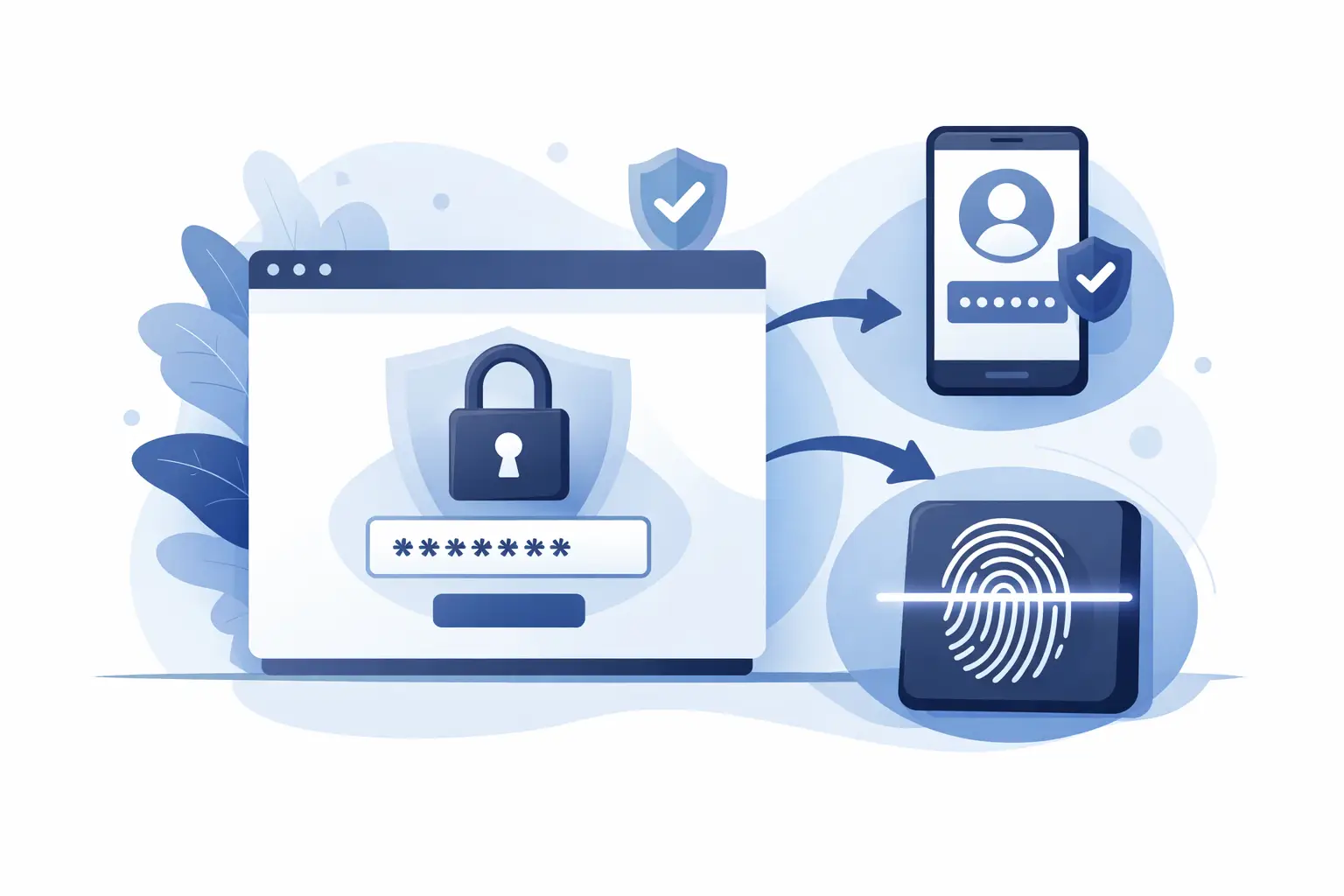
You send a private report, dashboard, or AI-generated microsite behind a password. Ten minutes later, that password is sitting in a forwarded email thread, pasted into Slack, or saved in someone else’s notes. That is the real problem with a password protected page alternative search - you are not trying to hide content from the internet in theory. You are trying to control who can actually open it in practice.
For teams sharing client deliverables, executive updates, notebooks, internal tools, or AI-built web pages, passwords feel convenient right up until they become a liability. They are easy to reuse, easy to share, and hard to revoke without breaking access for everyone. If your workflow depends on sending sensitive content to specific people, password gates are usually the wrong control model.
The better alternative is identity-based access. Instead of protecting a page with one shared secret, you protect it by verifying the viewer. That sounds like a small shift. It changes almost everything.
Why a password protected page alternative matters
A password-protected page solves a narrow problem. It keeps casual visitors out. It does not prove who is inside.
That distinction matters more now because the content being shared is different. AI tools can generate polished reports, dashboards, websites, notebooks, and web apps in minutes. The bottleneck is no longer creation. It is secure distribution. When content moves fast, weak sharing controls create risk even faster.
Shared passwords break down in predictable ways. One client contact forwards the page to a colleague. A vendor leaves the project but still has the password. An internal report is reused across teams, and the access point spreads further than intended. To fix that, you need to rotate the password and redistribute it to everyone, which creates more friction and usually leads to another shared secret floating around.
A true password protected page alternative should give you control at the viewer level, not the page level. It should let you decide exactly who gets in, remove access without changing the entire distribution model, and avoid training users to pass around credentials.
What to look for in a password protected page alternative
The first requirement is verified identity. If a person can open a page just because they know a password, your control ends the moment that password is copied. Access tied to an email-verified viewer or named allowlist is stronger because it maps permissions to a person, not a secret.
The second requirement is revocation. Good sharing controls are not just about granting access. They are about removing it instantly when a project changes, a stakeholder rotates off, or a link reaches the wrong inbox. Passwords are blunt. Revocation should be precise.
The third requirement is presentation quality. A lot of teams fall back to file attachments or generic file-sharing tools because they are trying to avoid password problems. That often creates a different issue: the work loses its format, interactivity, or freshness. If you are sharing a dashboard, notebook, or generated site, the best alternative should preserve it as a live experience rather than flattening it into a file.
The fourth requirement is update control. Static files go stale quickly. If you send a PDF on Monday and revise it on Tuesday, version confusion starts immediately. A stronger publishing model lets you keep one controlled destination and update what viewers see without asking them to hunt for the latest attachment.
Why passwords fail for AI-generated content
AI has made it normal to publish more often, in more formats, to more audiences. That changes the math.
A few years ago, a password-protected page might have covered an occasional client portal or a one-off internal memo. Now professionals are generating weekly market briefs, data apps, analysis notebooks, lightweight web tools, and sales-ready pages directly from AI workflows. The volume is higher, the turnaround is shorter, and the content often includes sensitive inputs.
In that environment, password sharing becomes a fragile workaround. It adds just enough friction to annoy legitimate viewers but not enough control to stop accidental exposure. It also creates operational drag. Someone has to distribute the password, answer access issues, rotate it when it leaks, and resend it when someone loses it.
That is why identity-based publishing is a better fit for AI-native work. It matches the pace of generation with tighter control at the point of viewing.
The strongest alternative is private publishing with viewer-level access
If you need a real alternative, think less about page protection and more about private publishing.
Private publishing means the content is hosted as a live page, but access is limited to approved viewers. Instead of a shared password, each viewer is verified individually. Instead of sending files around, you send a controlled destination. Instead of hoping a password stays private, you decide exactly who can open the page.
This model works especially well for consultants, analysts, developers, and operators because it fits how they already work. They want to move quickly, preserve formatting, and avoid rebuilding deliverables inside a collaboration tool that was not designed for secure client-facing publishing.
It also gives you cleaner control over edge cases. Need to share the same report with five executives but not the wider team? Approve those five viewers. Need to remove one external stakeholder without interrupting everyone else? Revoke that user only. Need to update the page after your AI assistant regenerates the analysis? Publish a new version to the same destination.
That is a meaningful upgrade from passwords because it replaces a brittle barrier with real access control.
What the alternatives usually get wrong
Teams often compare password-protected pages to a patchwork of other tools and assume the trade-off is unavoidable. It usually is not.
Generic cloud drives are fine for storage, but they are weak as a polished publishing layer. Permissions can get messy, presentation quality varies, and the end experience often feels like opening a document, not viewing a finished asset.
Public link tools are fast, but speed without access control is a gamble. If the content contains client data, internal planning, or generated insights from private sources, a public URL is often too open from the start.
Embedded passwords inside the message itself are worse than they look. They create the appearance of protection while making the secret as portable as the link.
Traditional client portals can work, but many are too heavy for fast-moving teams. If setting up secure sharing feels like an IT project every time, people will route around it. That is how unsafe workarounds become standard process.
The best alternative is the one people will actually use under deadline pressure. It needs to be secure by default, but still fast enough to match modern content workflows.
Where this approach pays off fastest
The biggest gains show up when content changes frequently or the audience is tightly scoped.
A consultant sharing weekly strategy updates with a client does not want ten PDF versions circulating in inboxes. An analyst sending an AI-generated dashboard to leadership needs confidence that only approved viewers can see it. A product or ops team sharing internal tools built with AI needs access control that survives turnover and role changes.
In each case, passwords create cleanup work. Viewer-based access reduces it. You spend less time managing secrets and more time shipping the actual work.
This is also where platforms like SnapHost make sense. They are built for privately publishing AI-generated outputs as live pages with verified viewers, revocable access, version control, and automated updates. That is a very different model from tossing a password on a page and hoping it stays contained.
Choosing the right password protected page alternative
If your content is low-stakes and temporary, a password may still feel acceptable. That is the trade-off. Not every page needs strict identity controls.
But if you are sharing anything sensitive, client-facing, frequently updated, or generated from private data, the standard should be higher. You want a system that answers four questions clearly: who can view this, who cannot, how fast can access change, and what happens when the content updates.
That is what a serious password protected page alternative should deliver. Not cosmetic privacy. Actual control.
The easiest test is simple: if a viewer forwards your link and everything needed to open it goes with them, you do not really control access. You are just slowing people down. Better sharing starts when access belongs to the person, not the password.
The smartest move is not to add another secret. It is to stop relying on secrets as your security model in the first place.