
What to Send a Client Instead of a Zip File
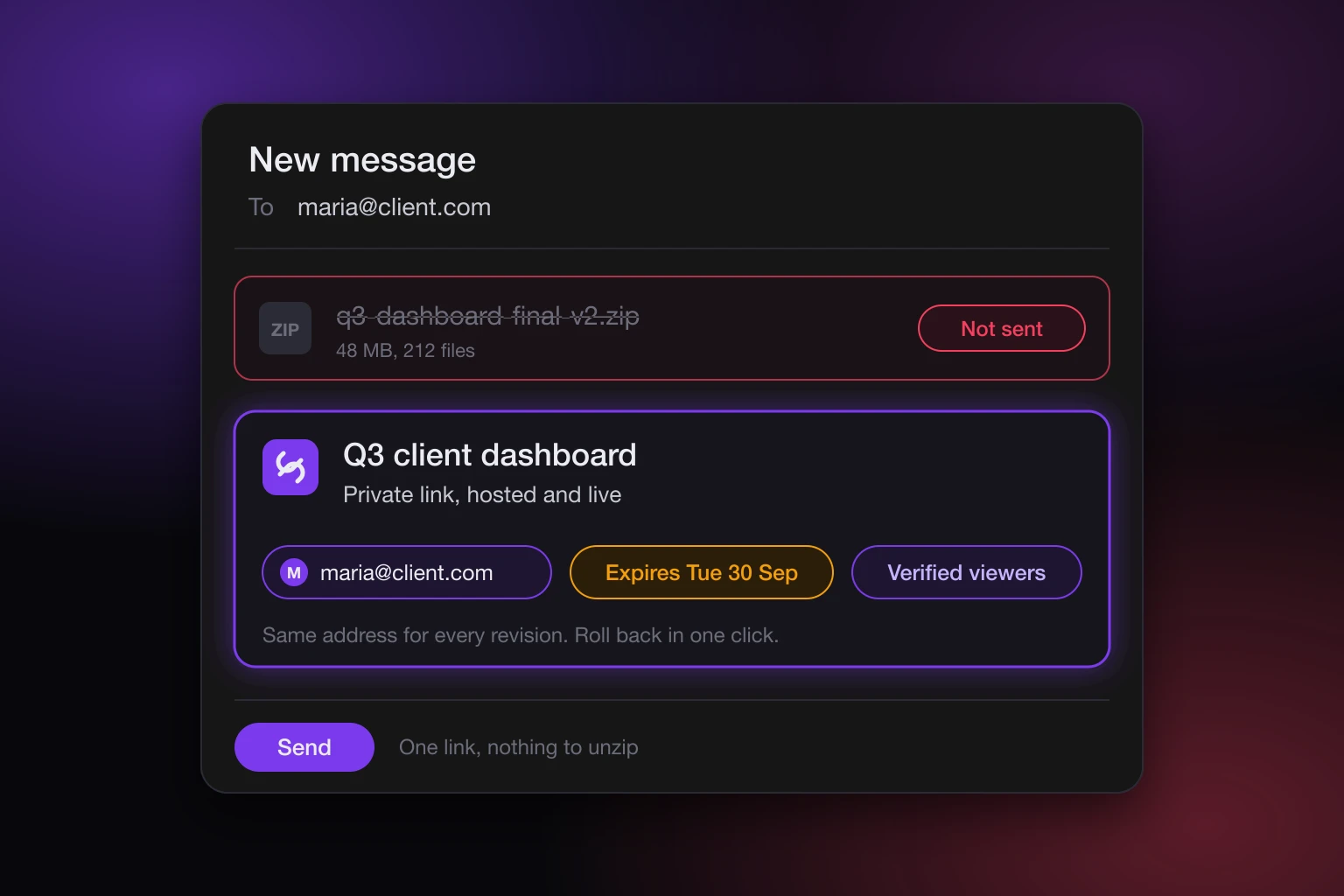
You finished the thing. A dashboard, a report, a small app, a one-page proposal your AI built with you over an afternoon. Now a client needs to see it, and the folder on your machine is the only copy. The zip file is what most people reach for at this point, and it is the worst part of the whole job. Send a private, hosted link instead: the same files, served as a live page, opened only by the people you name.
This post is about why the zip fails at the exact moment you need it to work, what to send a client instead of a zip file, and what the switch actually changes for you and for them.
What to send a client instead of a zip file
A hosted link. Not a screenshot, not a screen recording, not a PDF export of a page that was built to be clicked. The page itself, at an address, that your client opens in a browser on whatever device they have in their hand.
With SnapHost that address is private by default on a paid plan. A new site is created as an allowlist share unless you ask for something else, so the link only works for the email addresses you put on the list. Your client confirms their email, SnapHost checks it against your allowlist, and only then does the page load. The underlying files are never handed to the browser directly. On the Free plan a site is public unless you name up to three people, and it carries a watermark, which is fine for a draft and wrong for a client deliverable, so the rest of this post assumes Pro.
Why the zip breaks when it matters
A zip of a web page is a bundle of files that were meant to be served, not opened. Three things go wrong, in roughly this order.
First, delivery. Mail clients and corporate filters treat archives with caution, especially ones containing .html and .js files. Some strip them. Some quarantine them. Your client may never see the attachment, and you will not know.
Second, the double-click. Say it arrives. Your client unzips it and opens index.html, and the browser runs it as a local file. Anything that expects to be served from a web address starts failing: routes that work on /report/q3 return nothing, fonts and data fetched at load time are blocked, and the page that looked finished on your machine looks broken on theirs. You get an email asking what went wrong, and the honest answer is "nothing, you just opened it the wrong way".
Third, the copy problem. Once the zip is out, it is out. It can be forwarded, re-zipped, uploaded to a shared drive, opened by anyone who finds it. You cannot pull it back, you cannot see who opened it, and if you fix a typo an hour later you now have two versions in the world and no way to retire the old one.
A hosted link removes each of these. There is nothing to deliver except a URL, the page is served the way it was built to be served, and the copy your client sees is the one you control.
What the client actually receives
A link. When they open it, they are asked to confirm their email. If the address is on your allowlist, the page loads, in a sandboxed frame, streamed from private storage. If it is not, they can ask for access, and the request lands with you to approve or turn down.
That is the whole experience from their side. No account to create, no software to install, no folder to unzip. It works on a phone in a taxi, which is where most first impressions of a deliverable happen.
You can add a password on top if the engagement calls for it (six characters minimum), and you can give the link a deadline so it stops working after the review period. Both are per site. Neither changes the URL.
What you can put behind that link
Almost anything your AI produced. The publishing docs list what SnapHost accepts today:
- A single HTML page.
- A Markdown file, turned into a styled page.
- A PDF, shown in a built-in viewer.
- A Jupyter notebook, rendered as a notebook.
- A zip of a multi-file site or a built app, for example a React app. SnapHost serves the whole thing and picks the starting page for you.
So the zip is not banned. It is just not what you send the client. You give it to SnapHost, and the client gets a link. A bundle can hold up to 1,000 files and 50 MB, which covers a dashboard with charts and a font or two comfortably.
Deep links keep working. If your app has a /pricing route and the client refreshes on it, they land on /pricing, not on a 404. This is the specific thing that breaks when the same files are opened from a folder.
One honest limit: SnapHost hosts what the page is made of, the HTML, scripts, and assets. A page that needs its own server running somewhere is not something a hosted bundle can carry. If your AI built a Python backend, that part still needs a home of its own. Most client deliverables do not have one, and the ones that do usually have a static front that can go out this way while the backend stays where it is.
Sending a revision without sending another link
This is where the zip workflow quietly costs the most. Client feedback arrives, you make the change, and now you have to send version two. Another attachment, another "please ignore the earlier one", and a client inbox with two files that look identical.
A site is updated in place at the same link, on every plan. Publish the revision and the URL your client already has shows the new content. Nothing to resend, nothing to explain. On Pro, SnapHost also keeps version history for you, the ten most recent versions, so when the revision was a mistake (or your AI "improved" something it should have left alone) you can roll back in one click. There is a separate post on how rollback works.
On Free the update goes through the same way, but only the current version is kept, so there is nothing to roll back to.
Ending the engagement cleanly
A deliverable has a life. The review period ends, the project closes, and the link should stop being a door into work that is no longer current.
You have three ways to close it, and they compose:
- Set an expiry before you send, so the link lapses on its own after the review window. The link stops working once that moment passes.
- Take someone off the allowlist when a person changes roles or leaves the client's team. They lose access at their next visit, nobody else does.
- Take the site offline when the engagement is over. The link stays yours and can come back later.
The sharing docs cover each of these, and revoking access to a shared link goes through the order to do them in. None of this is possible with a zip. Once a file is on someone else's disk, the only revocation is asking nicely.
Knowing it landed
With an attachment, "did you get it?" is the follow-up email everyone dreads sending. With a hosted private link, every view goes through the email check, so the access log shows who opened the page and when. You do not have to ask. You can see that the client's CFO opened it on Tuesday, and that the address you were unsure about never did.
This is also the quiet argument for the email step. It costs the viewer a few seconds. In exchange you know the page was seen by the person it was for, and not by whoever the zip was forwarded to.
Letting your AI do the sending
If the deliverable was built with Claude, ChatGPT, or Cursor, the publishing step can happen from the same conversation. The MCP server and API tokens are included on every plan, the free one too, so you can connect your AI and say "publish this for the client, allowlist maria@client.com and set it to expire on the 30th". The AI publishes the bundle, sets the allowlist, and hands you the link to paste into your email. No export step, no manual upload.
The plan gates still apply: on Free the AI can publish and name up to three people, but a fourth name or an expiry will come back as a plan limit, and the AI should tell you which plan unlocks it.
What a zip is still good for
A zip is the right thing to send when the deliverable is the files: source code the client will own and build on, a design system they will drop into their own repo, a data export. In those cases they need the bytes, not a view of them.
A zip is the wrong thing to send when the deliverable is something to look at, click through, or present. That is most reports, dashboards, prototypes, proposals, and one-page sites, and it is exactly the category that AI tools have made cheap to build and awkward to hand over.
If you are on the fence, ask what the client will do in the first thirty seconds. If the answer is "open it and look", send a link. Plans and prices are on the pricing page: Free for public drafts, Pro at €19 a month per member who can publish for private links, in-place updates, version history, and your own domain.