
Allowlist Access for Web Pages Explained
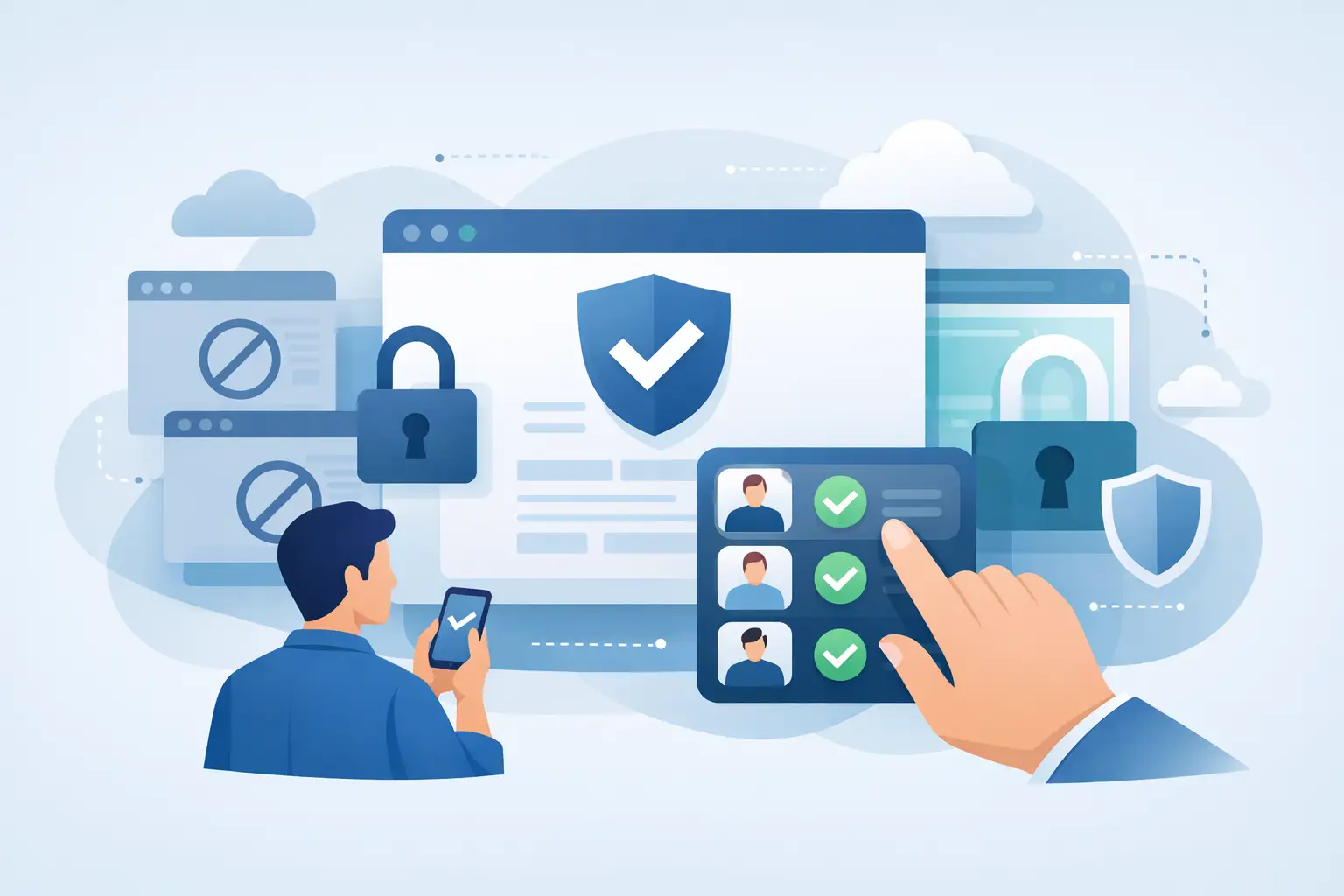
A public link is fast right up until it lands in the wrong inbox. That is the real reason teams start looking at allowlist access for web pages. Not because access control sounds nice in a settings panel, but because AI-generated reports, dashboards, notebooks, and client pages are now moving faster than old sharing methods can safely handle.
If you are publishing work that contains customer data, internal analysis, financial context, or pre-release material, the question is not whether someone can open the page. The question is exactly who can open it, how easily that access can be revoked, and whether forwarding a link quietly breaks your controls.
That is where allowlists matter.
What allowlist access for web pages actually means
Allowlist access for web pages means only approved viewers can open a page. Access is tied to identity, usually an email address or verified user account, rather than just possession of a URL. If someone is not on the allowlist, the page does not load for them, even if they have the link.
That sounds simple, but it changes the entire sharing model. A public page says, “anyone with this URL can view.” A password-protected page says, “anyone with this URL and this shared secret can view.” An allowlisted page says, “only these specific people can view.”
That difference matters because links get forwarded, passwords get copied into Slack, and access often outlives the original need. Most leaks are not dramatic hacks. They are normal workflow mistakes.
Why public links and passwords stop working
Public links win on convenience and lose on control. They are fine for marketing pages and terrible for sensitive deliverables. Once a public link exists, there is no meaningful distinction between the intended recipient and anyone they pass it to.
Passwords are only a partial fix. They feel private, but they are still shared credentials. If five clients use the same password to access a page, you do not know who actually opened it. If one person leaves a project, you cannot revoke just their access without changing the password for everyone.
This is the trap many AI-heavy teams fall into. They generate polished outputs quickly, then ship them through unsafe channels because those channels are familiar. The content looks professional, but the access layer is held together with workarounds.
Allowlists remove the shared-secret problem. Each viewer is explicitly approved. Access can be granted one person at a time, removed one person at a time, and kept aligned with the actual audience.
Where allowlist access makes the biggest difference
The clearest use case is client sharing. If you are sending a live dashboard to three stakeholders, you should not have to choose between making it public or asking everyone to remember a password. Allowlisting keeps the page private while preserving a clean, link-based experience.
Internal reporting is another strong fit. Strategy pages, board materials, product reviews, and financial updates often need broad enough visibility to be useful but tight enough control to stay contained. A company drive folder may work until permissions drift or the format breaks. A private hosted page with named access is cleaner and easier to govern.
It also matters for AI-generated content specifically. AI can produce web pages, notebooks, summaries, and interactive tools in minutes. The bottleneck is no longer creation. It is safe distribution. That is why identity-based publishing has become more valuable than another export button.
How allowlist access for web pages should work in practice
Good allowlist access for web pages should feel strict without becoming annoying. The ideal flow is simple: publish the page, specify who can view it, require identity verification, and let approved users access the live version without downloading files or juggling credentials.
The verification step is important. An allowlist based only on typed email addresses is better than nothing, but stronger systems confirm the viewer actually controls that inbox. That closes a common gap where access rules exist on paper but not in enforcement.
Revocation should be immediate. If a contractor rolls off, a client stakeholder changes, or a page should no longer be shared, you should be able to remove access without republishing the content or replacing the URL. Access control needs to move at the same speed as the work.
Versioning also matters more than people expect. Live pages change. Reports update. Dashboards refresh. If the page is private but the content is moving, you need confidence that the right people are always seeing the right version and that rollbacks are possible if something goes wrong.
The trade-offs to understand before you choose it
Allowlists are not magic. They introduce more friction than a public link because the system is intentionally checking identity. For sensitive content, that trade-off is worth it. For a public knowledge base article, it is not.
There is also an admin question. Someone has to manage the approved viewer list. In a one-off share, that is trivial. In a large external distribution workflow, it can become operational work unless the platform supports automation, reusable rules, or team-level governance.
And there is a format question. If your current process relies on sending PDFs around because they are easy to attach, moving to hosted pages changes expectations. The upside is better control, better presentation, and easier updates. The trade-off is that you need a system built for secure publishing, not just file storage.
So the answer is not that every page should be allowlisted. The answer is that any page with meaningful privacy, compliance, client, or internal sensitivity should probably not be public by default.
What to look for in an allowlist-based publishing system
Start with identity, not just obfuscation. A private page should not rely on an unguessable URL alone. It should verify the viewer and enforce per-viewer access.
Next, check whether access is granular. Can you allow one executive, one client contact, or one partner without exposing the page to everyone else in a domain? Broad domain access is useful in some internal cases, but it is not a substitute for precise control.
You should also look at the page environment itself. If the page is hosted in a way that leaks cookies, mixes trust boundaries, or behaves like an afterthought bolted onto file sharing, the access model may be weaker than it looks. Security is not just the login screen. It includes how the page is served.
Finally, look for publishing features that fit real workflows: updates without broken links, revocable access, version history, and automation for recurring outputs. If your team is using AI to generate deliverables continuously, the access layer cannot be manual and fragile.
This is where product design matters. A platform like SnapHost is built around the idea that AI-generated work should be publishable as a live page without becoming public by accident. That is a different posture than traditional file-sharing tools, and it solves a different problem.
Common mistakes teams make with page access
One common mistake is treating passwords as equivalent to identity. They are not. A password answers, “does this person know the secret?” It does not answer, “is this the person you intended to share with?”
Another mistake is assuming a private workspace automatically means a private published page. In many tools, the document is private until the moment it is shared externally, at which point the controls become much looser than expected. Teams often discover that too late.
The third mistake is failing to plan for lifecycle changes. A report may be safe to share today and risky to leave accessible three months from now. Access should have a maintenance model, not just a launch moment.
When allowlist access is the right call
Use it when the audience is known, the content matters, and forwarding would create risk. That includes client deliverables, internal strategy pages, executive dashboards, investor materials, AI-generated analysis, and lightweight web apps tied to business data.
Skip it when the whole point is broad discoverability. Marketing pages, public docs, open resources, and content meant for search traffic should stay public. Security controls should match the distribution goal.
For everything in between, ask a blunt question: if this link gets forwarded, are you still comfortable? If the answer is no, a public URL is the wrong tool.
The best access model is the one that matches how your work is actually shared. Right now, a lot of high-value web content is being published with consumer-grade assumptions. That is fixable. And once you move to identity-based access, it is hard to go back to hoping a link stays private.